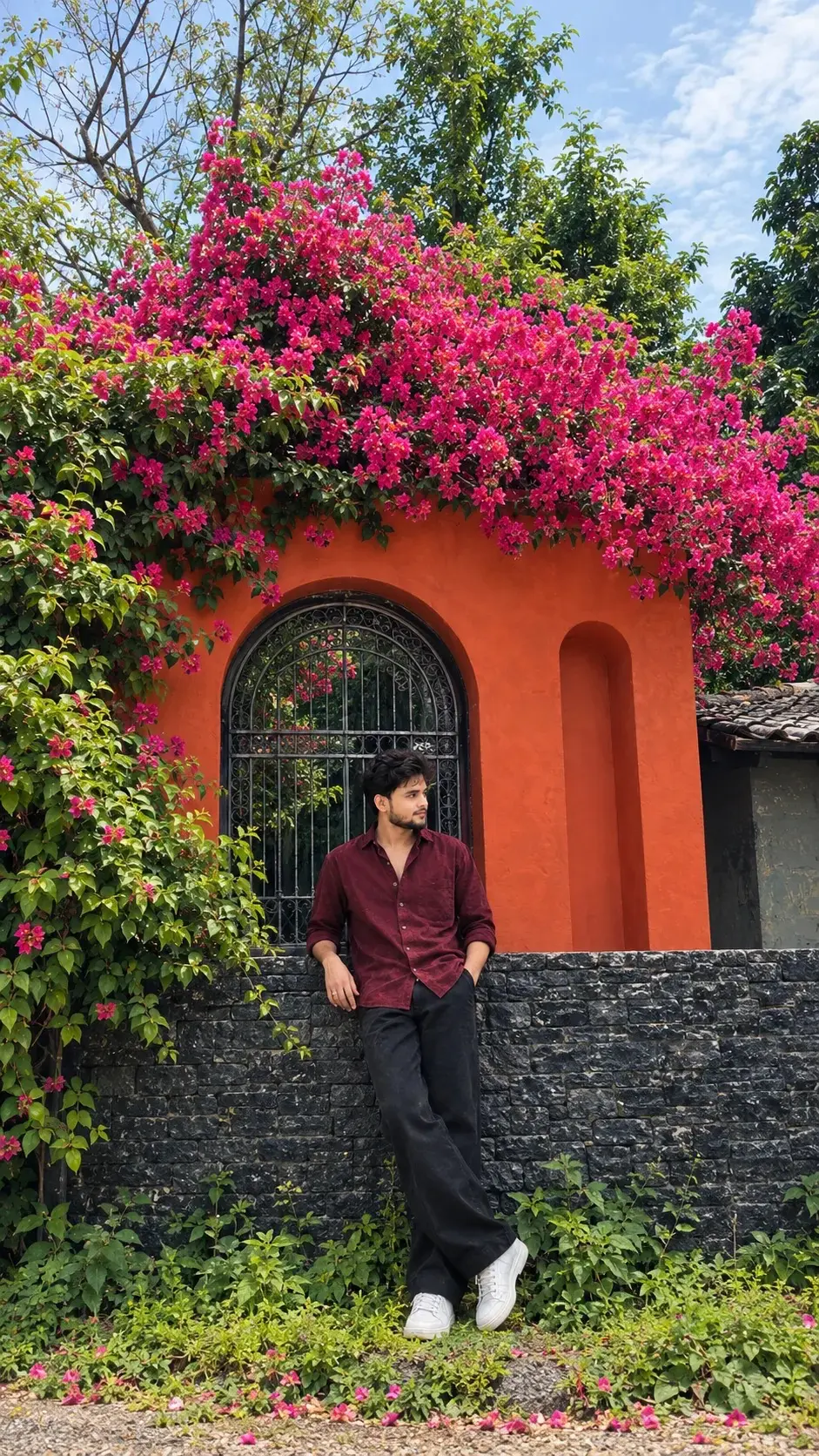
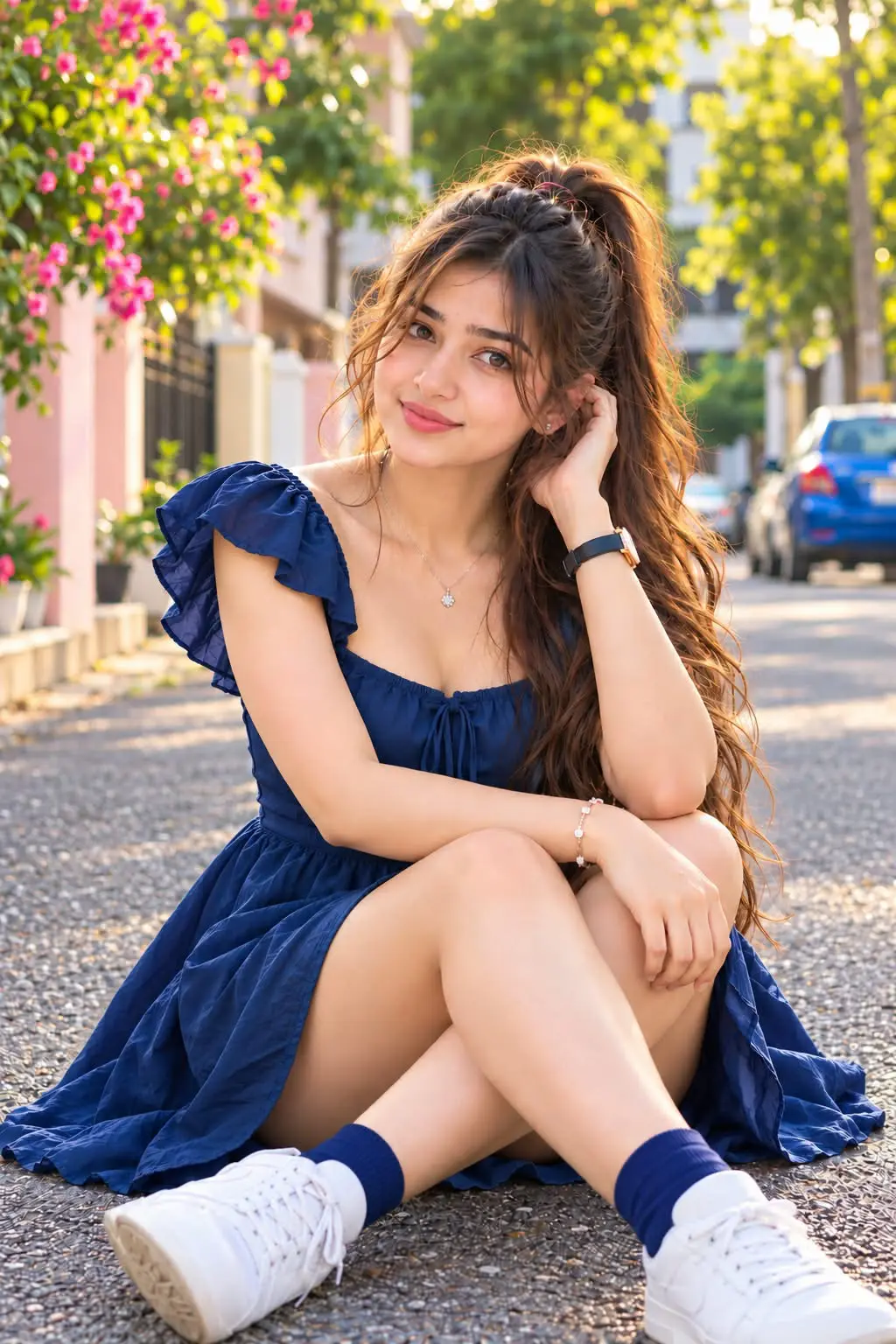

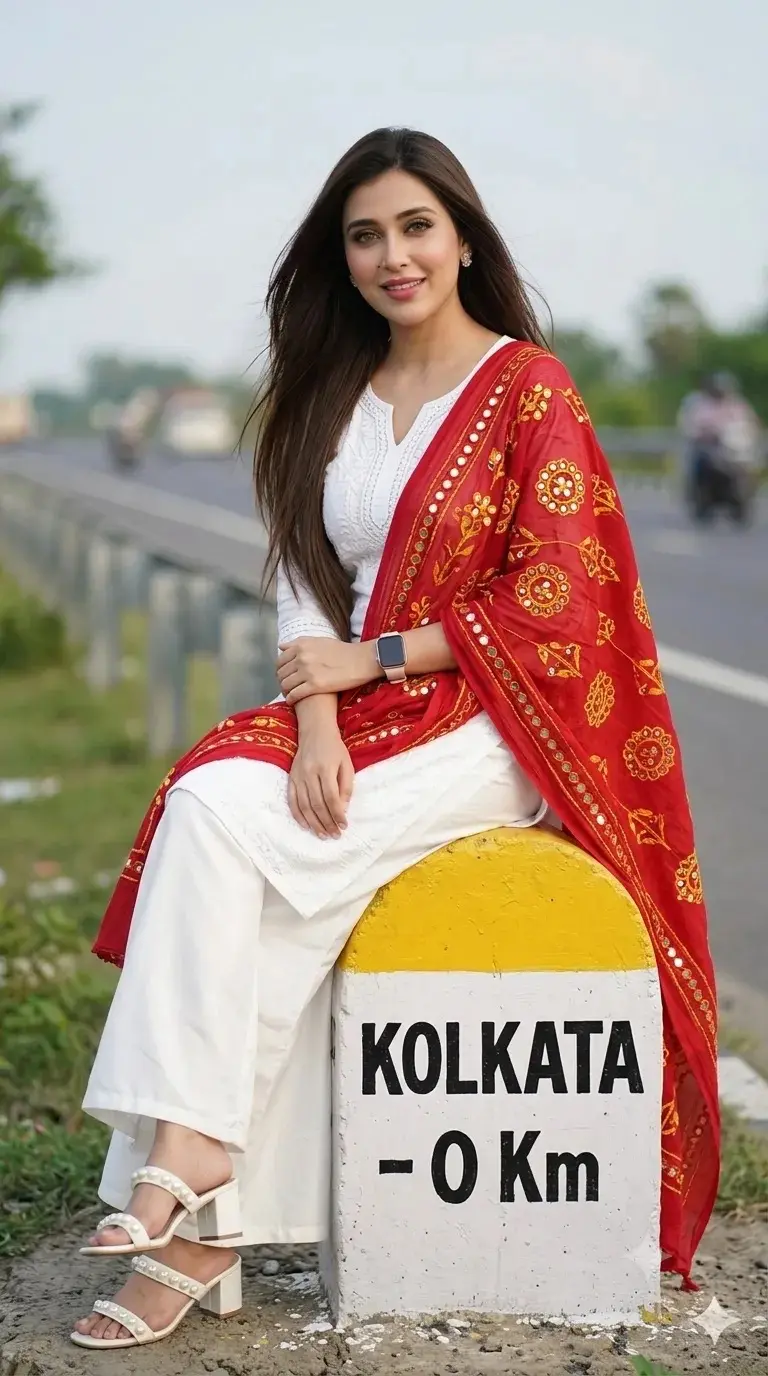
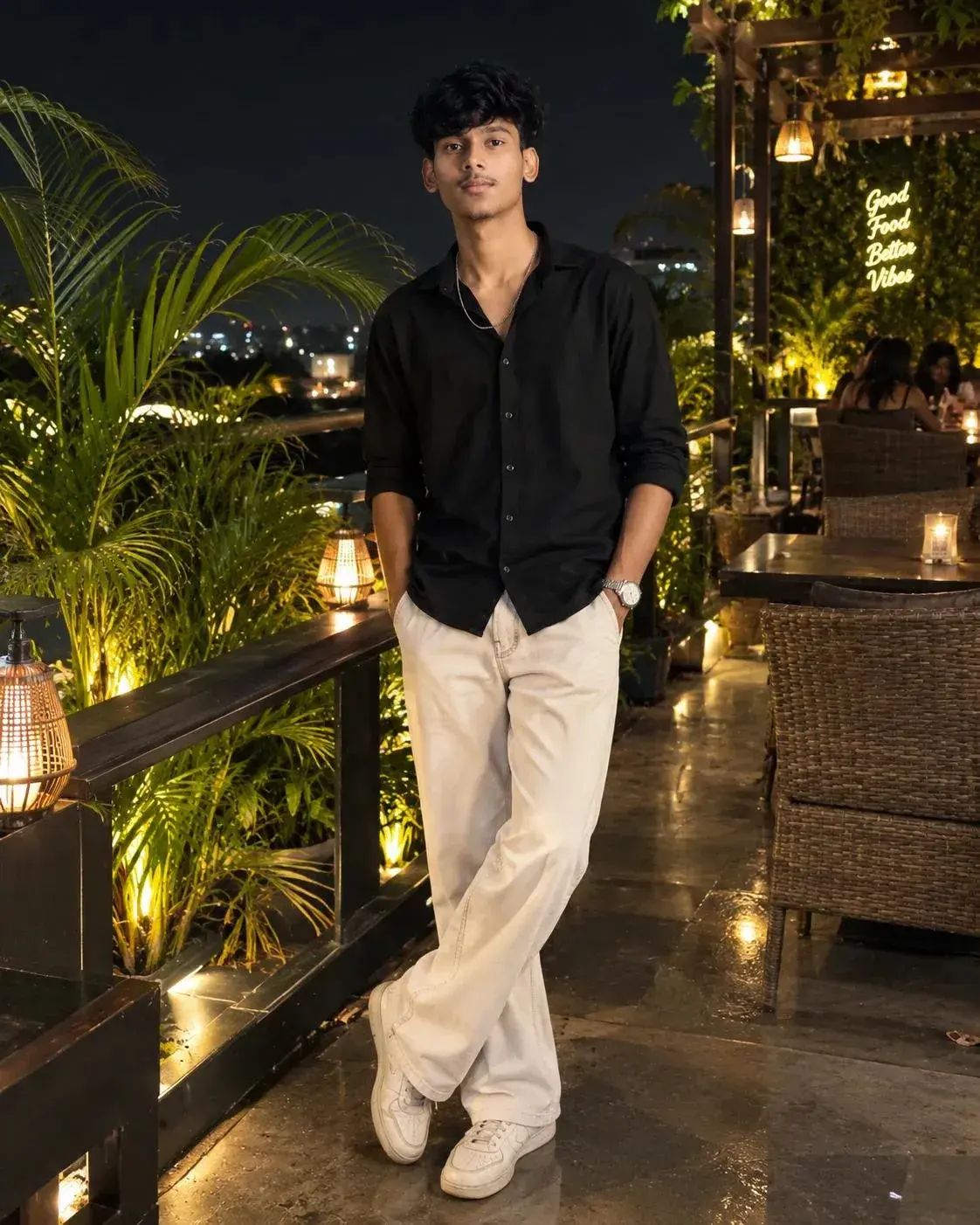


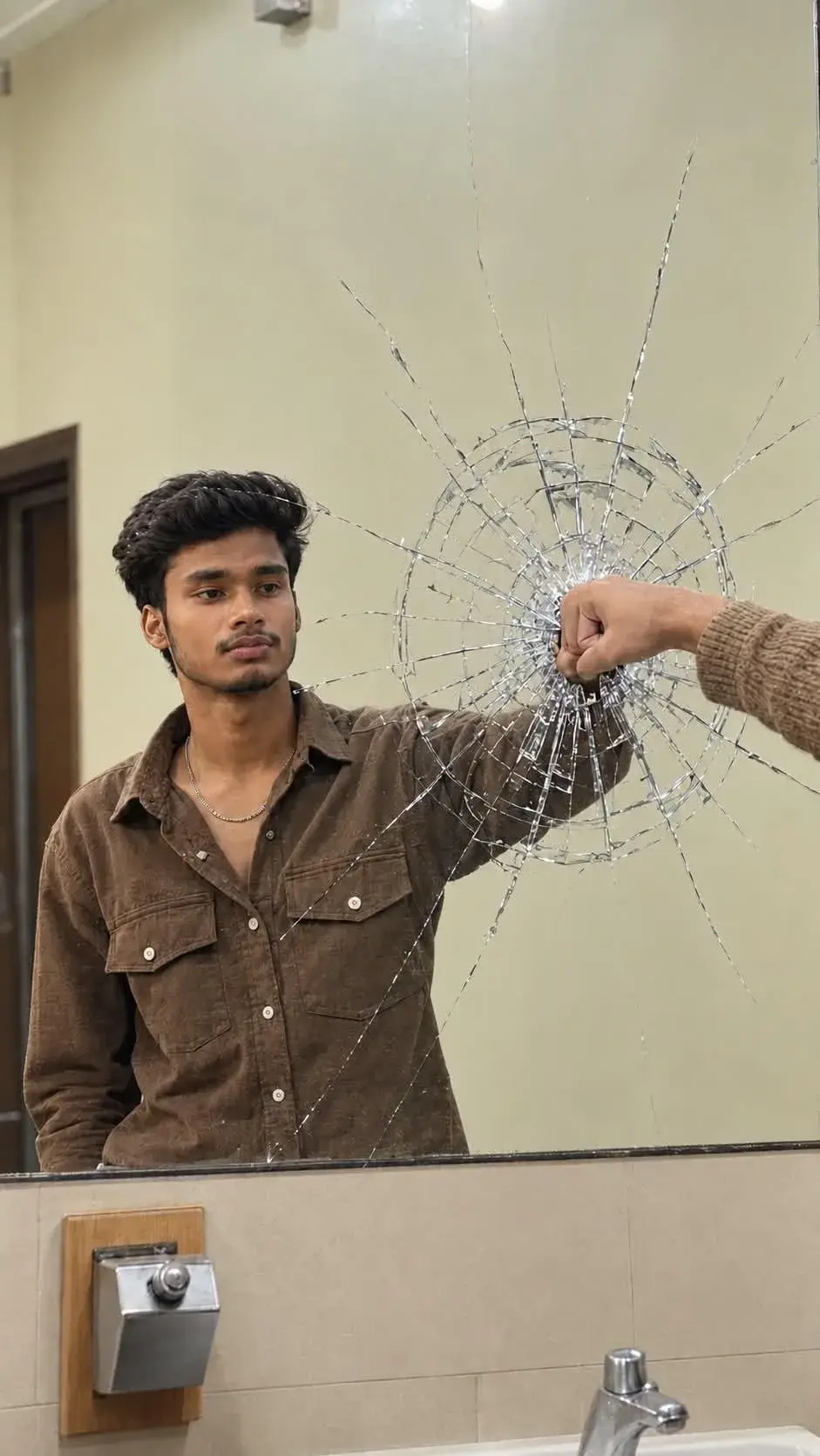
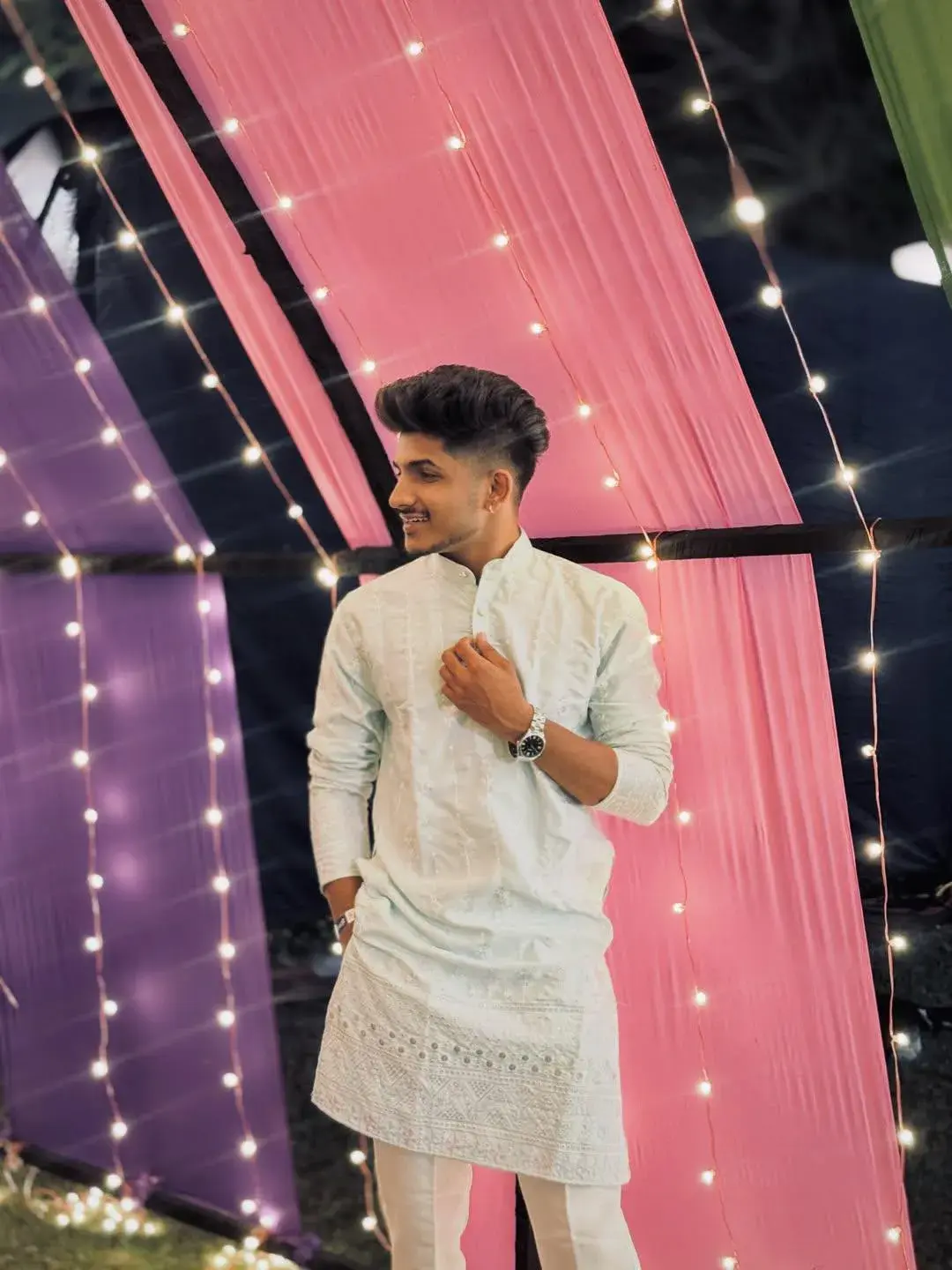
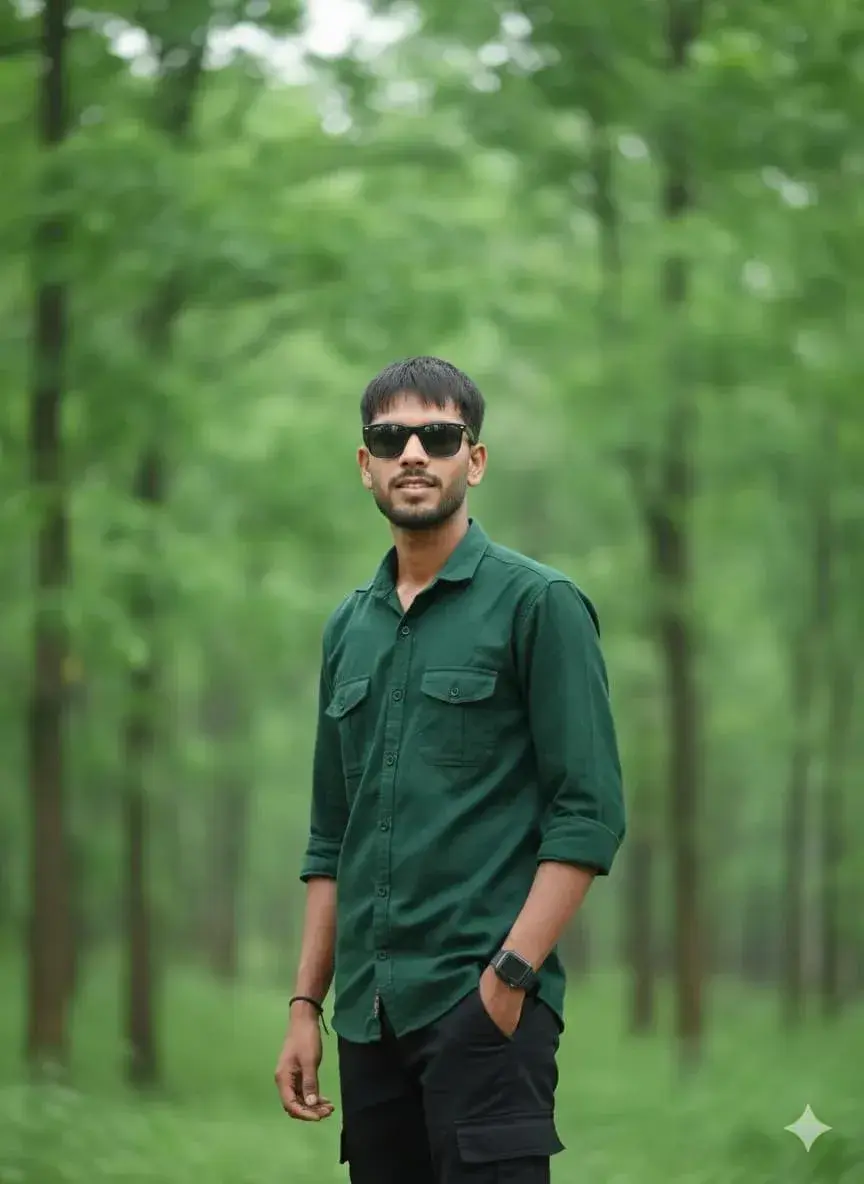

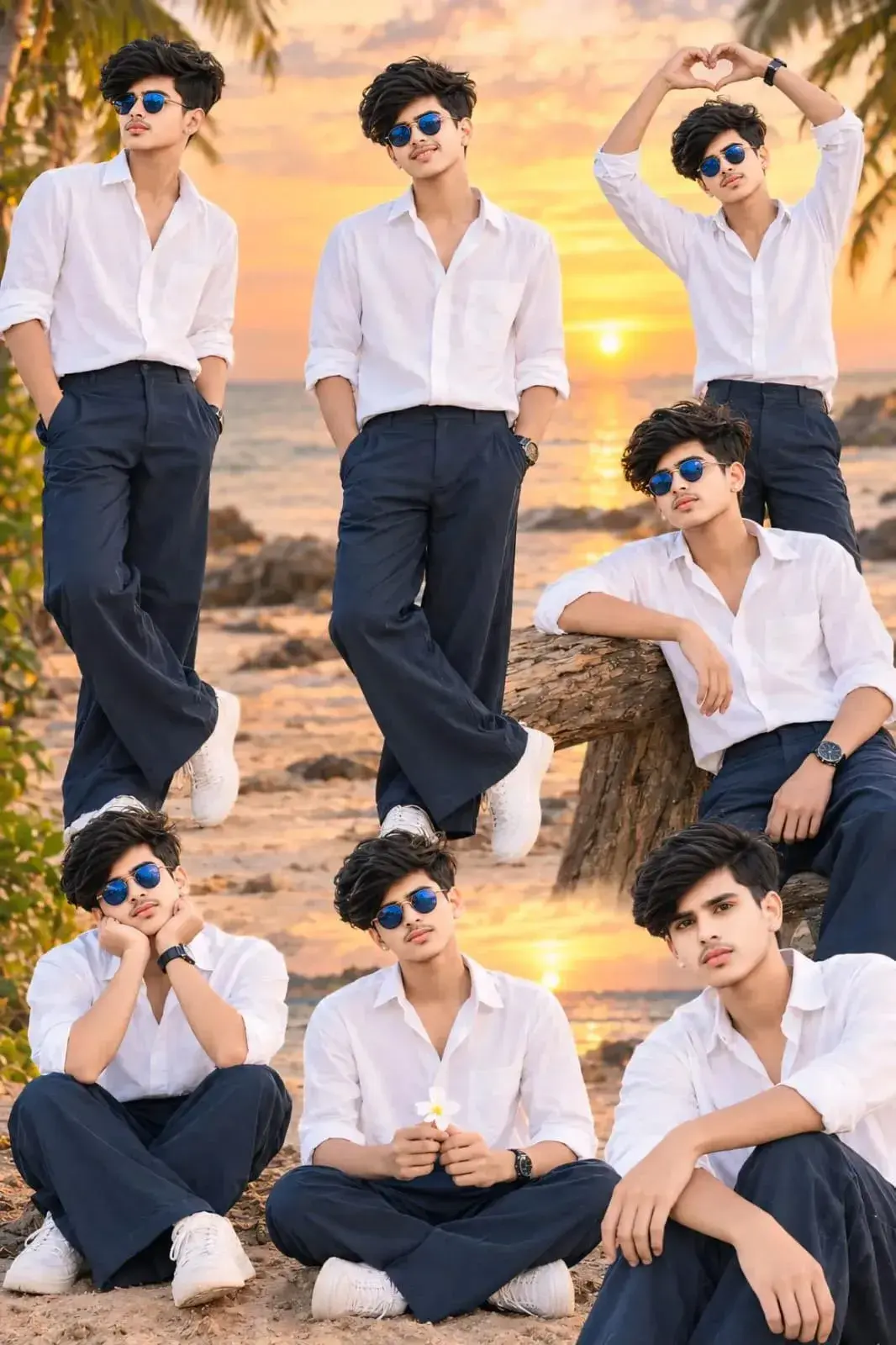


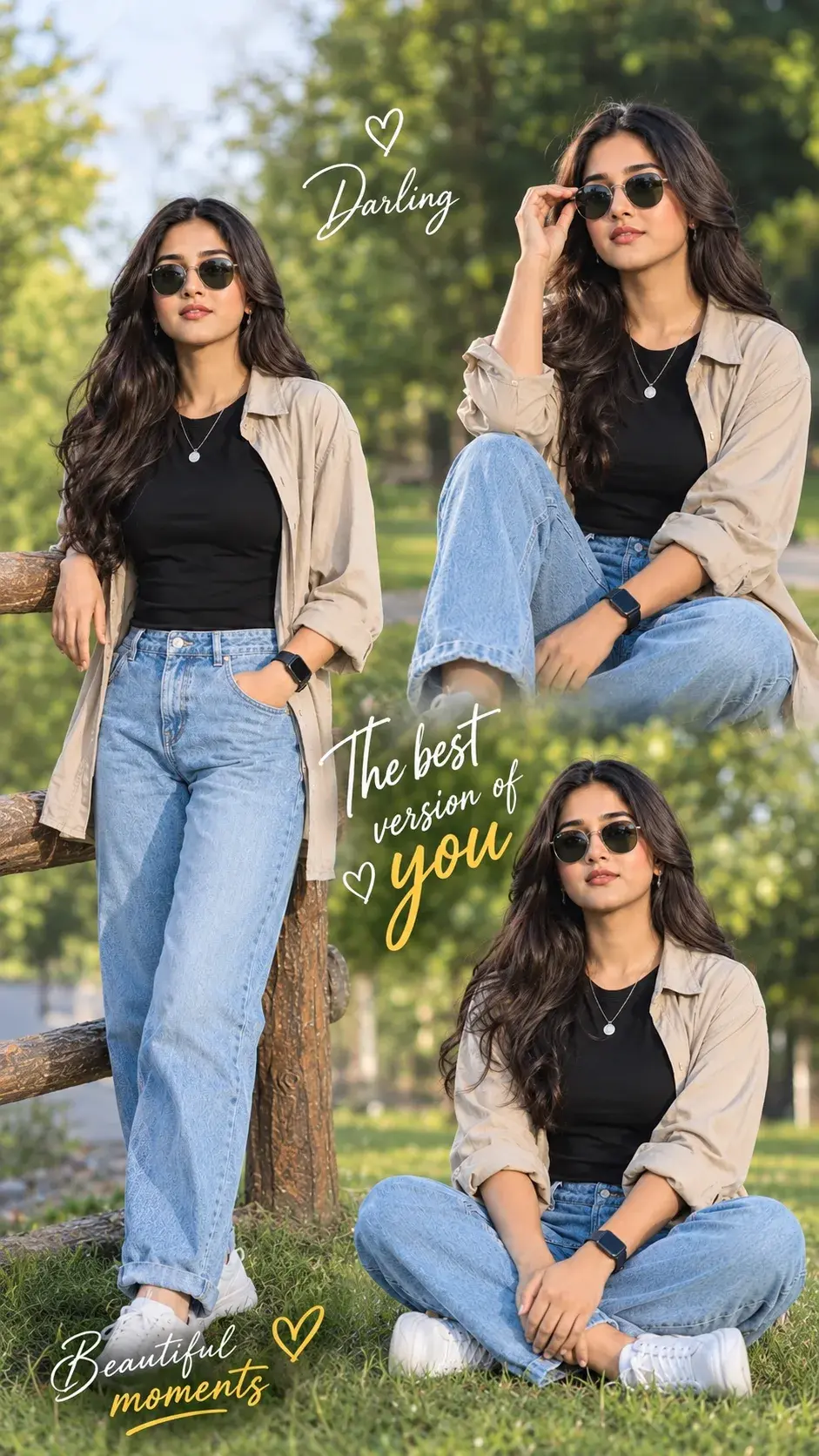

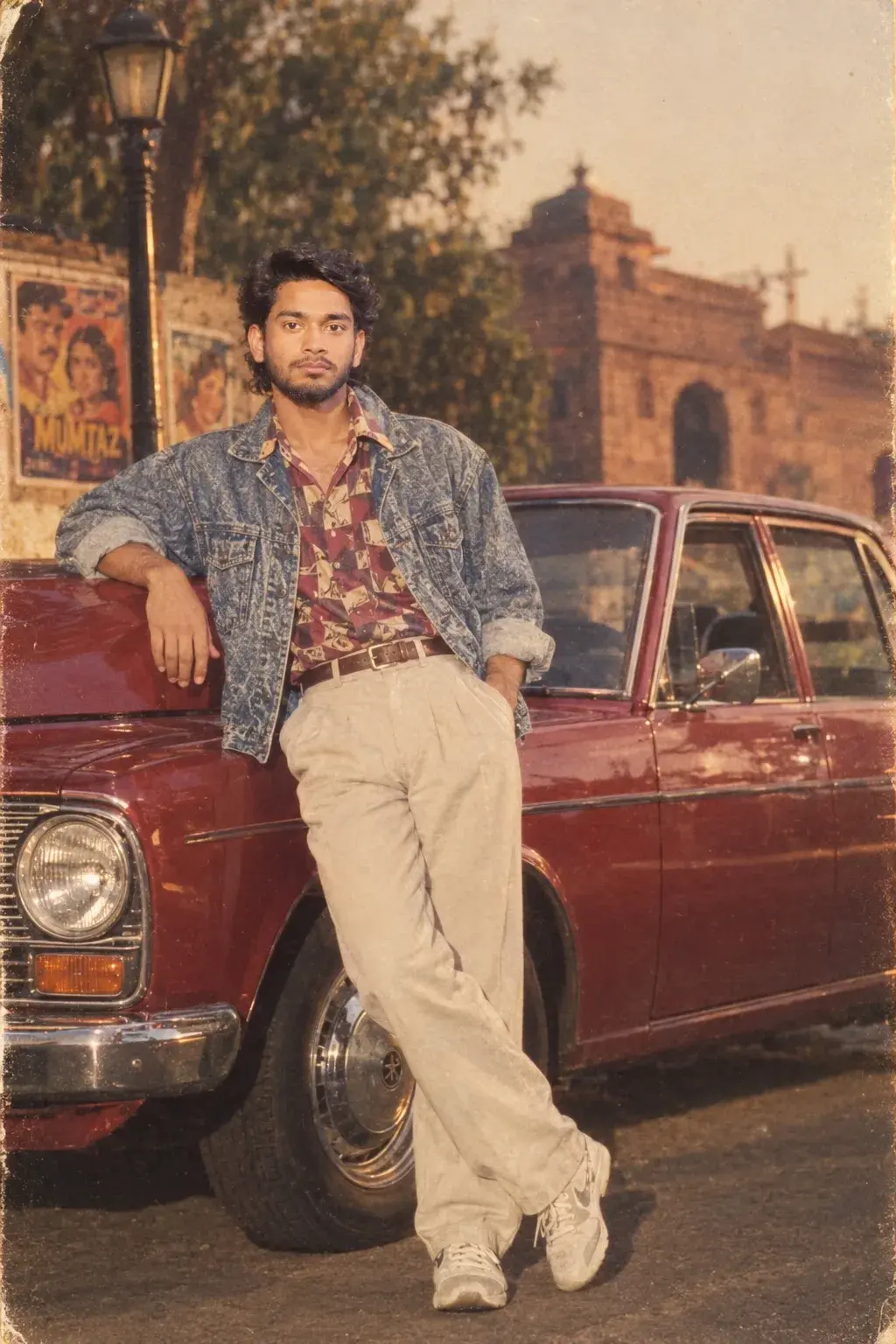
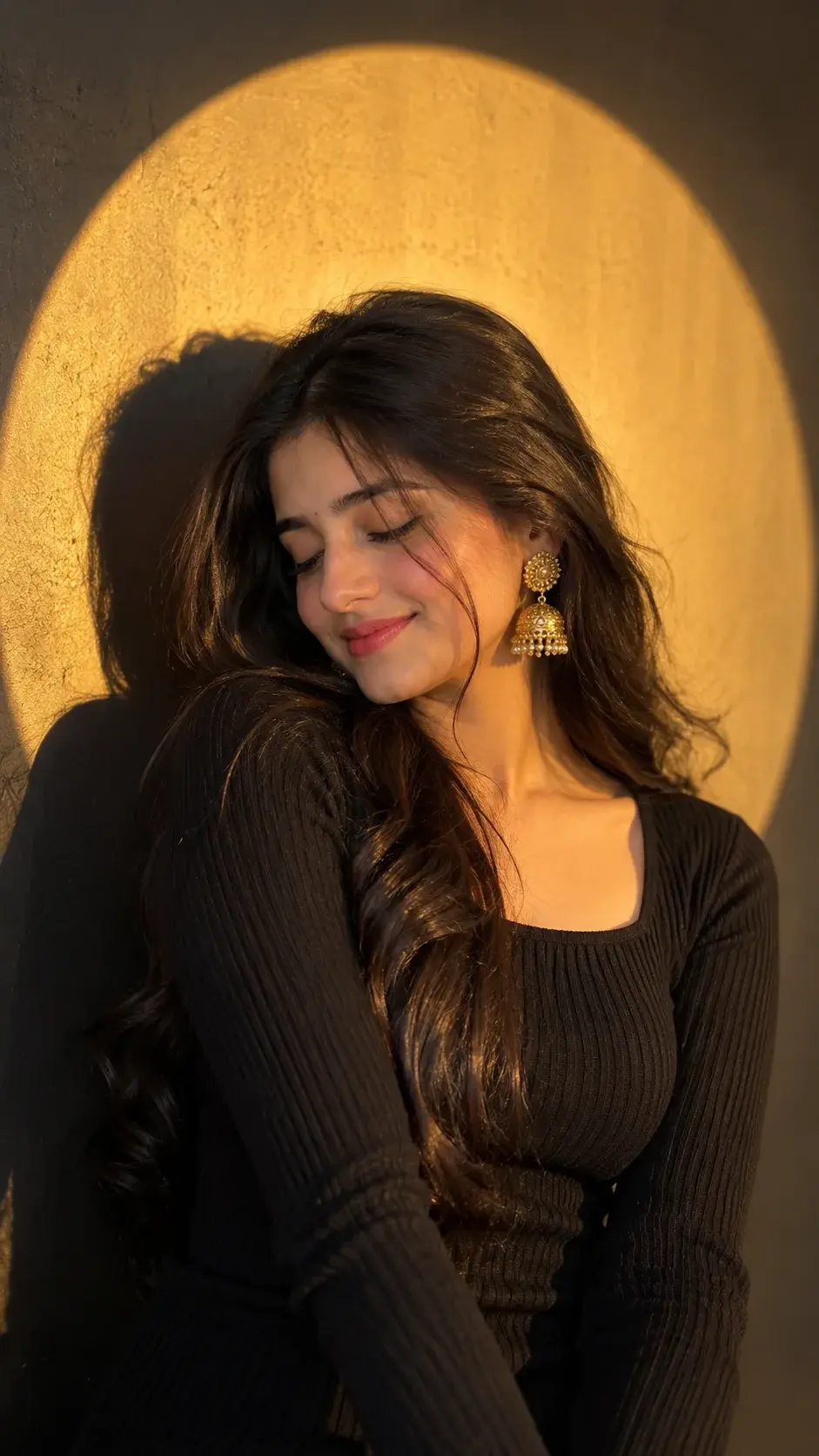
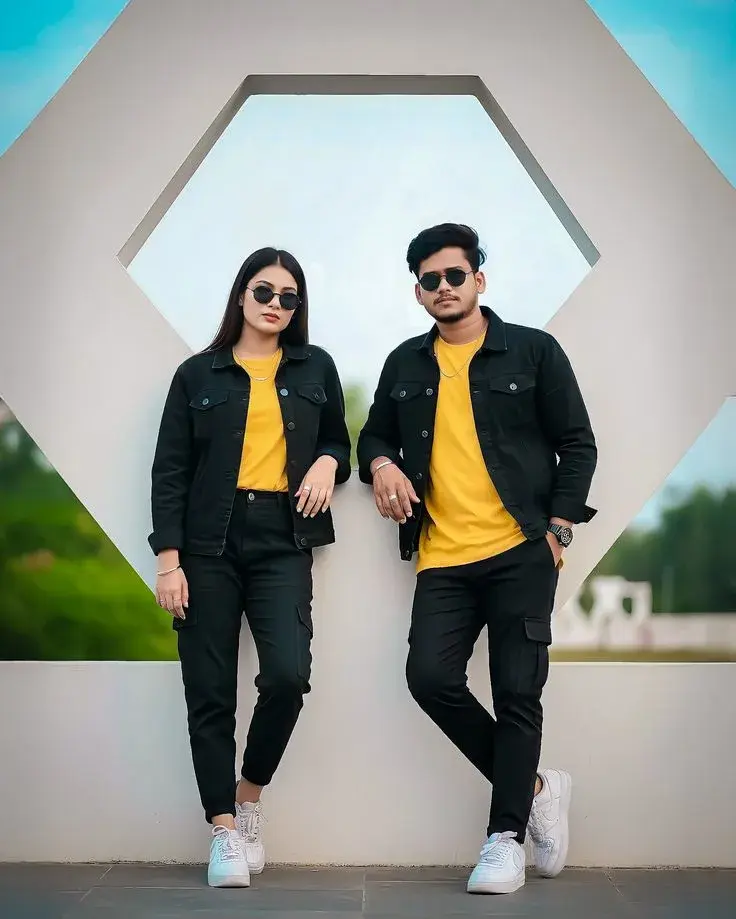
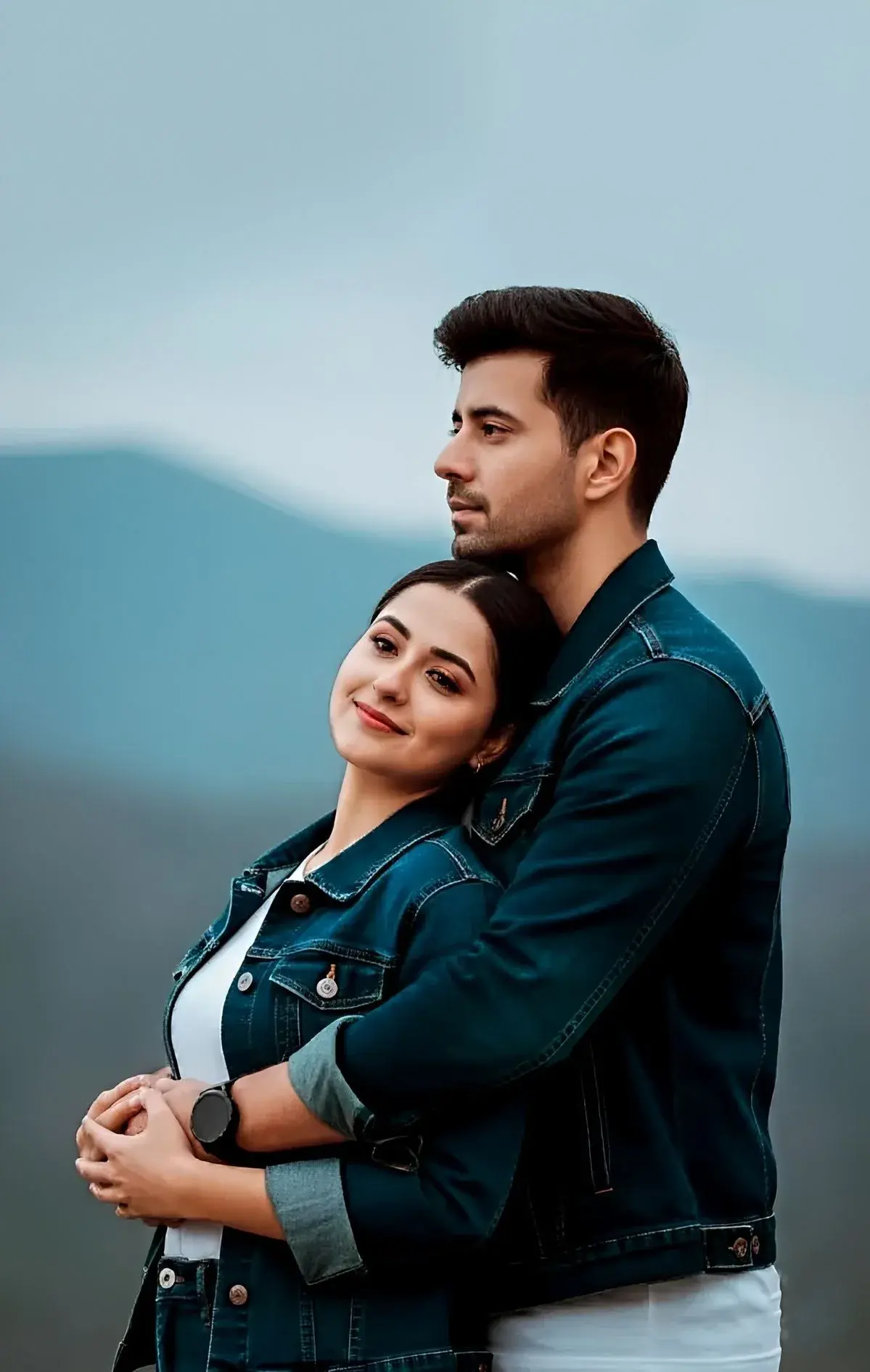
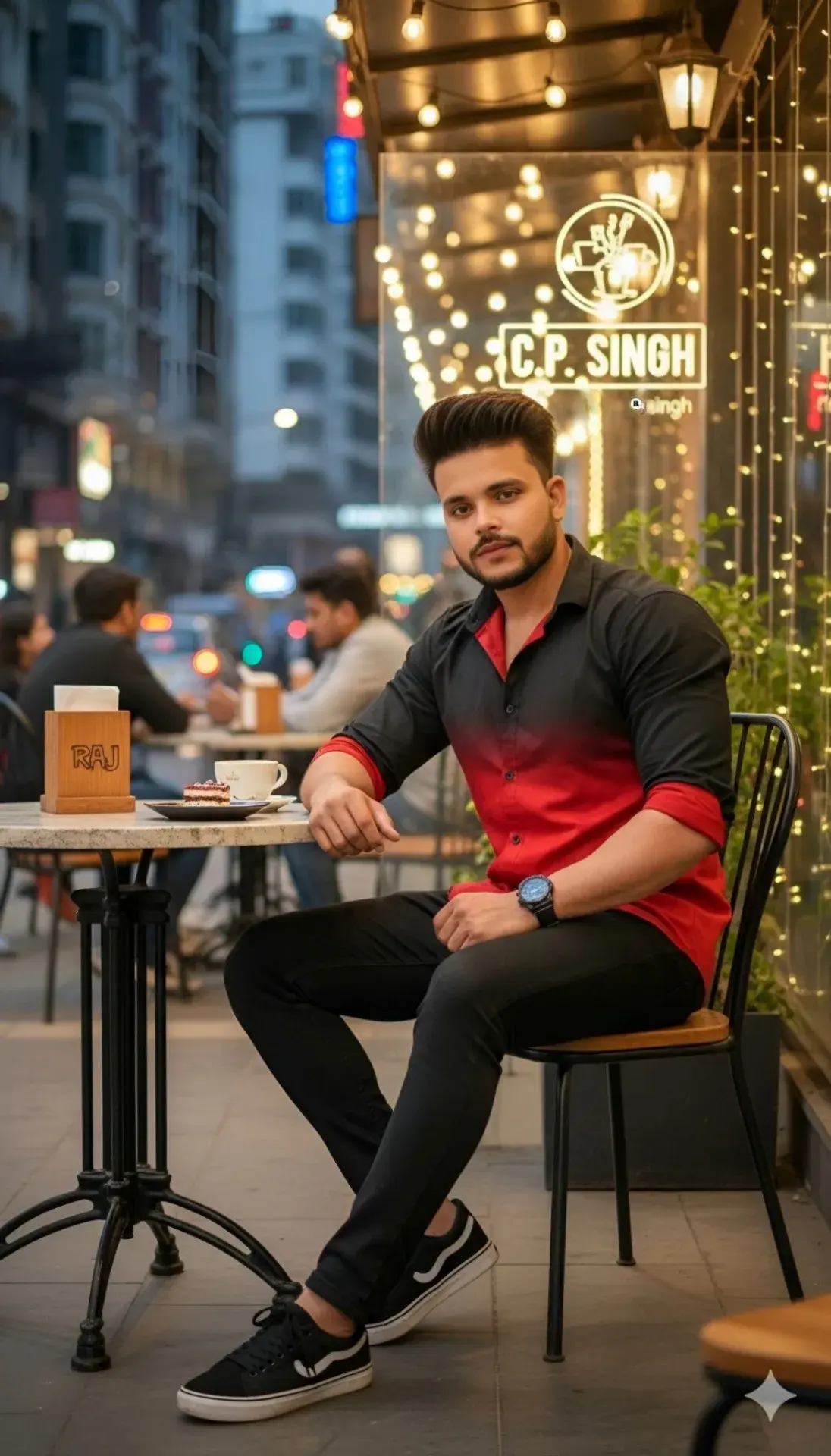
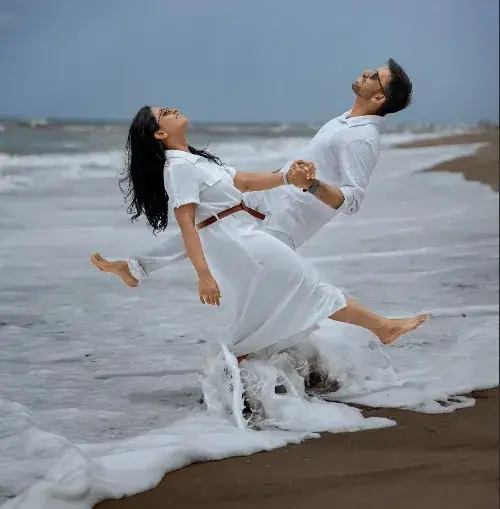

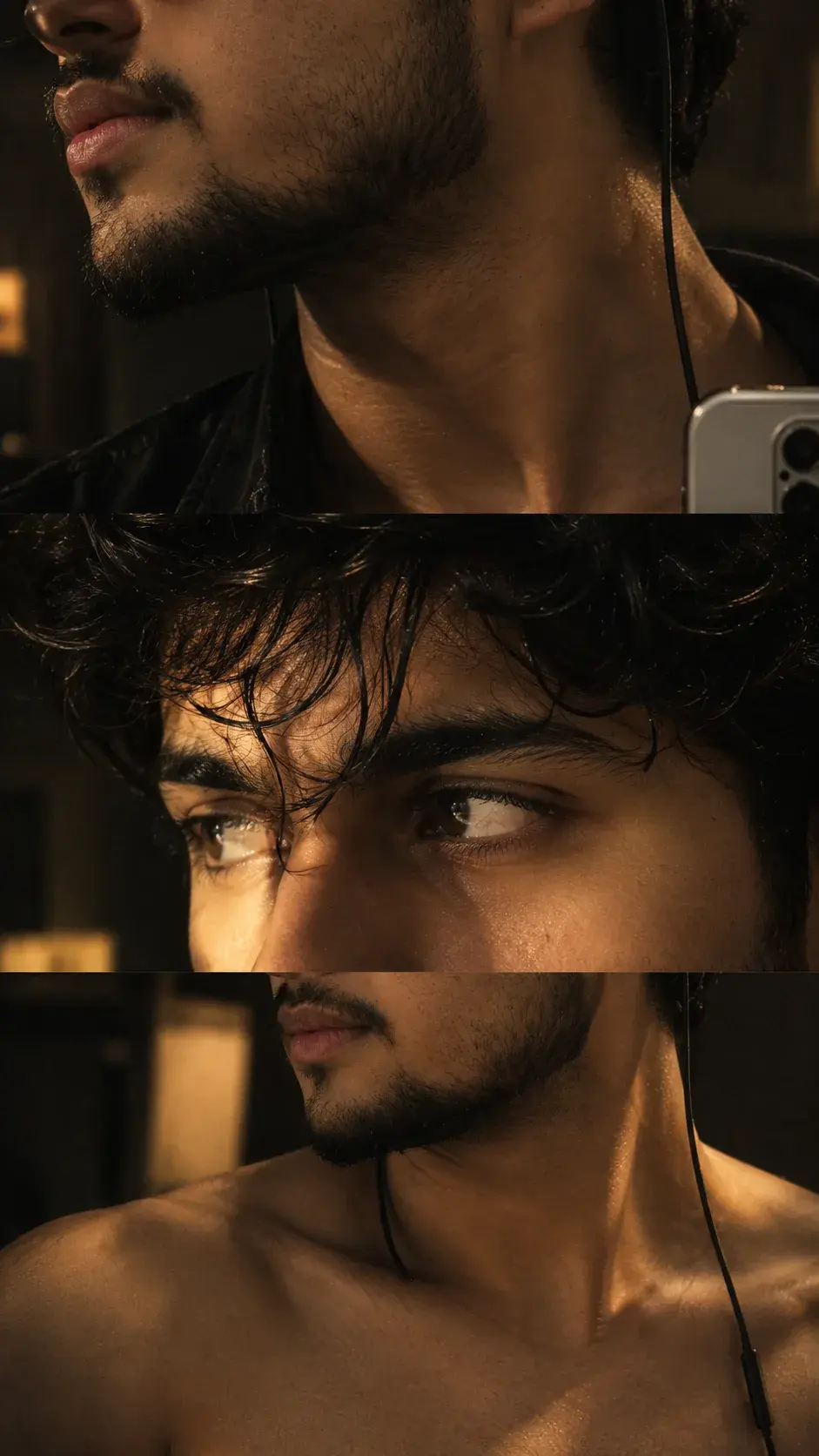
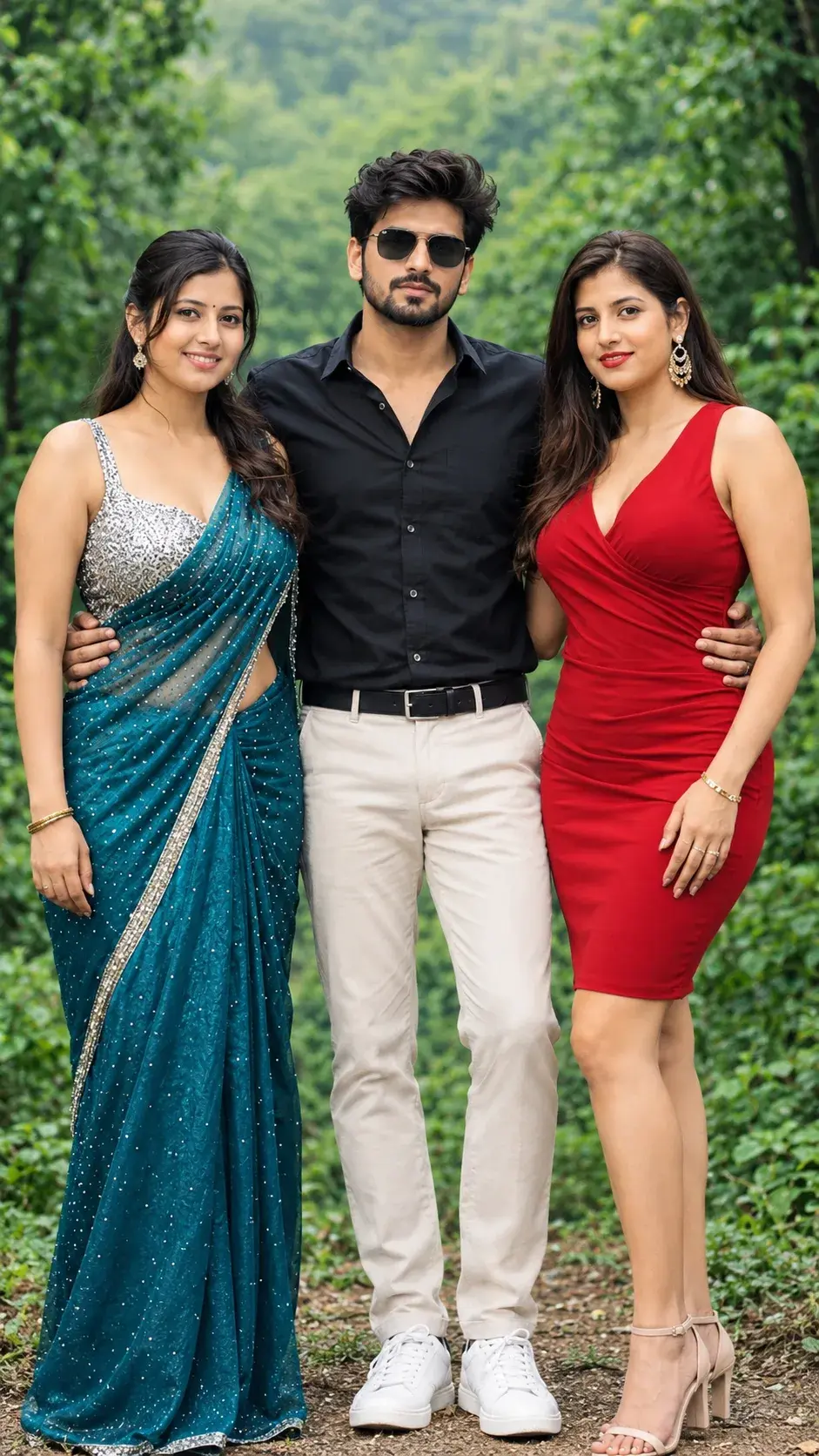
Great image prompting starts with a useful conversation between intention and detail. Instead of listing every possible visual effect, begin with the feeling you want the final frame to create.
This sample article shows how a lightweight prompt can become more precise without becoming complicated. The goal is not to sound technical; it is to give Gemini a clear visual direction and enough room to make thoughtful choices.
Start with the visual idea
Describe the main subject first, then add the setting, light, mood, and finish. A phrase such as “a quiet portrait in soft morning light” gives the model a strong foundation before you introduce smaller creative decisions.
Include the details that matter
Useful prompt details often include the following:
- The subject, pose, expression, or point of focus.
- The environment, time of day, and lighting direction.
- The color palette, lens feeling, and overall visual mood.
- The desired finish, such as editorial, cinematic, natural, or painterly.
“A strong prompt does not describe everything. It highlights the few choices that make the image feel intentional.”
— A practical creative principle
A simple workflow for refinement
When the first result is close but not quite right, refine one variable at a time. This makes it easier to understand what changed and helps you develop a repeatable creative process.
- Write the simplest version of the idea.
- Review the subject, composition, and lighting.
- Add one mood or style direction that supports the story.
- Remove details that compete with the main subject.
- Save the version that feels most natural and specific.

Prompt ingredients at a glance
| Ingredient | Helpful question | Example direction |
|---|---|---|
| Subject | What should viewers notice first? | Editorial portrait of a thoughtful traveler |
| Atmosphere | What should the frame feel like? | Quiet, warm, and cinematic |
| Finish | What visual language completes it? | Natural texture with refined contrast |
Example prompt structure
Subject: thoughtful editorial portrait
Setting: sunlit studio beside a large window
Mood: calm, warm, and quietly cinematic
Finish: natural skin texture, soft shadows, refined contrast
Refine one choice at a time
Small adjustments are easier to evaluate when each revision has a clear purpose. Change the light, framing, or mood one step at a time so the result remains easy to understand.
Keep the language natural
Clear everyday language often creates a more useful starting point than a long list of technical instructions.
A final note for creators
Save the versions that feel most like your own visual voice, then build the next idea from what you learned.
Keep the process personal
The best result is usually the one that leaves room for your own taste. Explore the Gemini prompt library, keep the language natural, and adjust the details that make the image feel like yours.
Once a prompt works, save it as a starting point rather than a fixed formula. Small changes in setting, expression, or light can create an entirely new direction.
%22%2F%3E%3Cpath%20d%3D%22M24%208C24%2016%2016%2024%208%2024C16%2024%2024%2032%2024%2040C24%2032%2032%2024%2040%2024C32%2024%2024%2016%2024%208Z%22%20fill%3D%22url(%23star_grad)%22%2F%3E%3Ccircle%20cx%3D%2234%22%20cy%3D%2212%22%20r%3D%222.5%22%20fill%3D%22%23FDE047%22%2F%3E%3Ccircle%20cx%3D%2213%22%20cy%3D%2234%22%20r%3D%221.8%22%20fill%3D%22%23FDE047%22%2F%3E%3Cdefs%3E%3ClinearGradient%20id%3D%22bg_spark%22%20x1%3D%220%22%20y1%3D%220%22%20x2%3D%2248%22%20y2%3D%2248%22%20gradientUnits%3D%22userSpaceOnUse%22%3E%3Cstop%20stop-color%3D%22%237C3AED%22%2F%3E%3Cstop%20offset%3D%221%22%20stop-color%3D%22%23A855F7%22%2F%3E%3C%2FlinearGradient%3E%3ClinearGradient%20id%3D%22star_grad%22%20x1%3D%228%22%20y1%3D%228%22%20x2%3D%2240%22%20y2%3D%2240%22%20gradientUnits%3D%22userSpaceOnUse%22%3E%3Cstop%20stop-color%3D%22%23FFFFFF%22%2F%3E%3Cstop%20offset%3D%221%22%20stop-color%3D%22%23FBCFE8%22%2F%3E%3C%2FlinearGradient%3E%3C%2Fdefs%3E%3C%2Fsvg%3E "Vivek Sharma portrait")